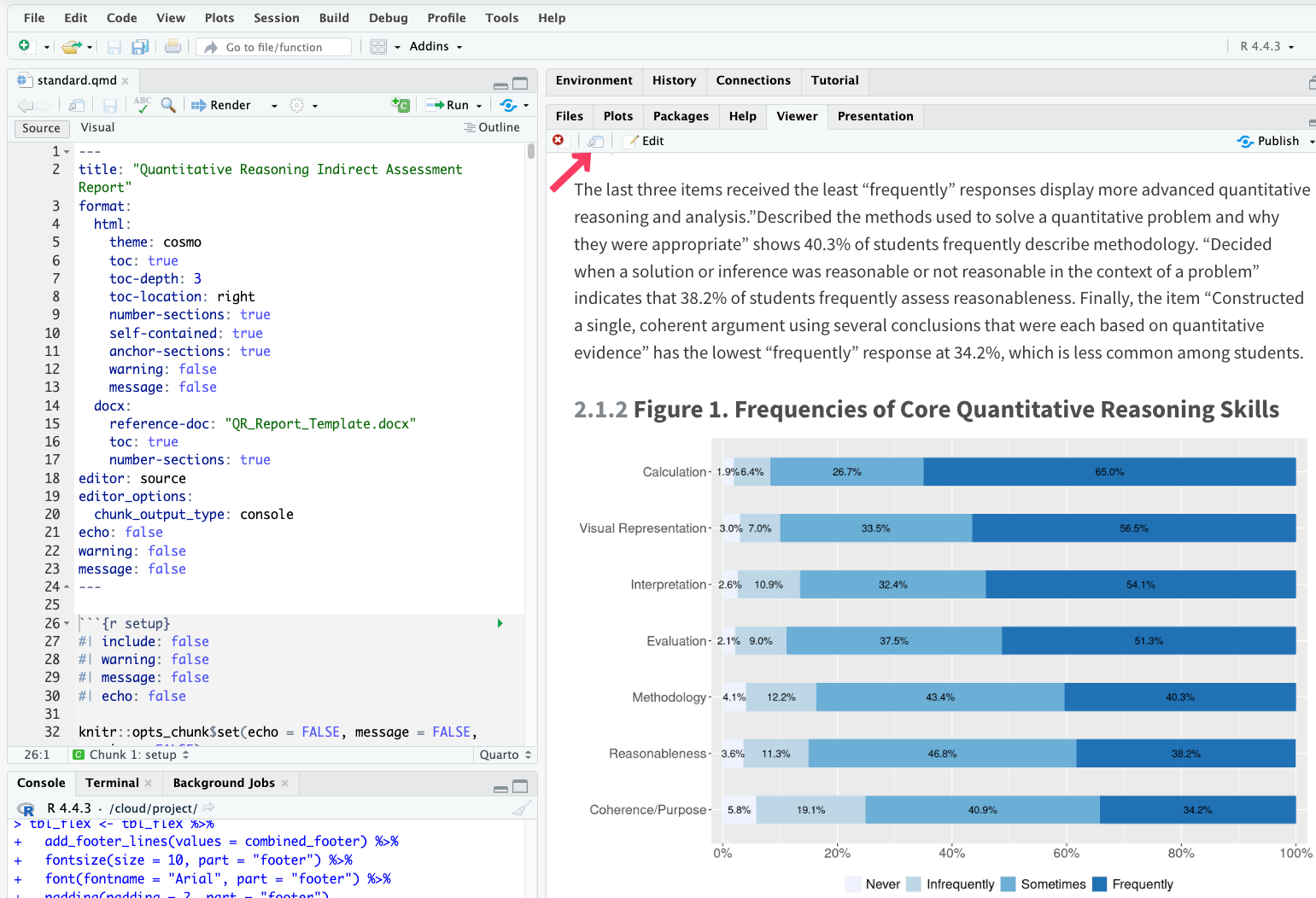
Step 4: Organize the content and render
Render the content and download the Word document
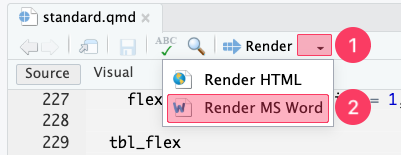
Click the arrow next to the “Render” ➜ “Render MS Word.”
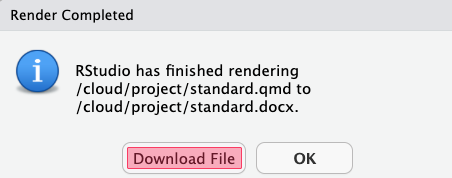
Click “Download file.”
Delete any tables/figures you don’t want to use, and revise the interpretations accordingly.
Render the content in HTML
Alternatively, you could create an HTML document by making changes in the .qmd file.
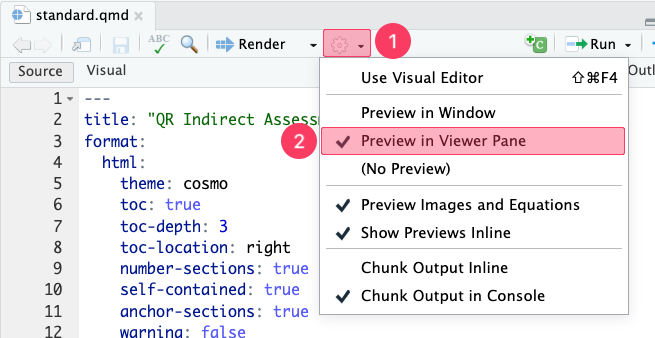
- Click “Settings” ➜ “Preview in Viewer Pane.”
Make changes in the .qmd file, such as deleting unwanted tables/graphs and adding your interpretations.
Click the arrow next to the “Render” ➜ “Render HTML.”
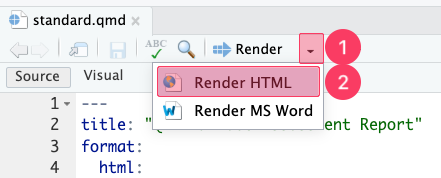
You will see the content under the “Viewer” tab. If you want to view the HTML report in your browser, click “Show in new window.”